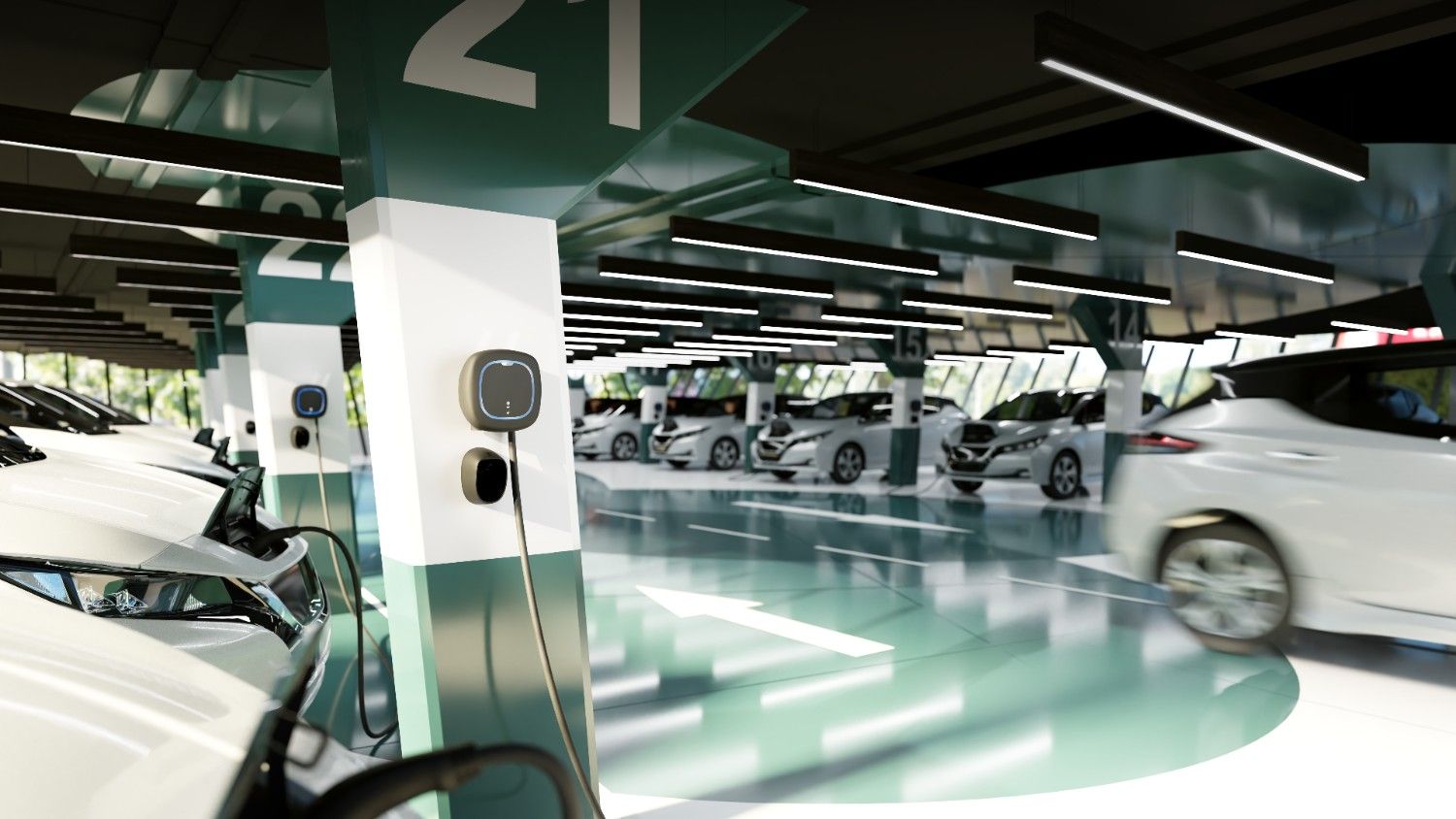
Unlock More from Every Charging Session with Wallbox’s Latest Smart Charging Features
Charging an EV has become second nature for millions of drivers. Yet the way we charge is evolving just as quickly as the vehicles themselves. Variable electricity tariffs, home solar generation and increasingly connected vehicles are changing expectations, making charging more dynamic than simply plugging in overnight.
Greater vehicle connectivity has also opened the door to a more personalised charging experience. Drivers increasingly expect their charger to adapt to their routines, optimise energy use and provide greater visibility into battery status – all from a single app.
The Wallbox App’s latest Smart Charging features for the Pulsar family are designed with these changing expectations in mind. By automating charging schedules, introducing new battery management tools and reducing the need for manual intervention, they make it easier for drivers to stay in control while getting more from every charging session.

Discover the Wallbox App:
📲 Apple Store
📲 Google Play
Whether you’re an EV driver looking to optimise home charging or an installer wanting to offer the latest tech to your customers, here’s what’s new.
Say Goodbye to Manual Scheduling with “Ready-by”
As time-of-use electricity tariffs become more common across many markets, when you charge can have a significant impact on how much you pay. But remembering to adjust your charging schedule every time your routine changes isn’t always realistic. Drivers want the confidence of knowing their EV will be charged and ready when they need it – without having to think about it. Ready-by makes that possible.
Available as a new Beta feature, Ready-by creates an optimised charging schedule based on two simple inputs:
1) your planned departure time and
2) your desired battery level.
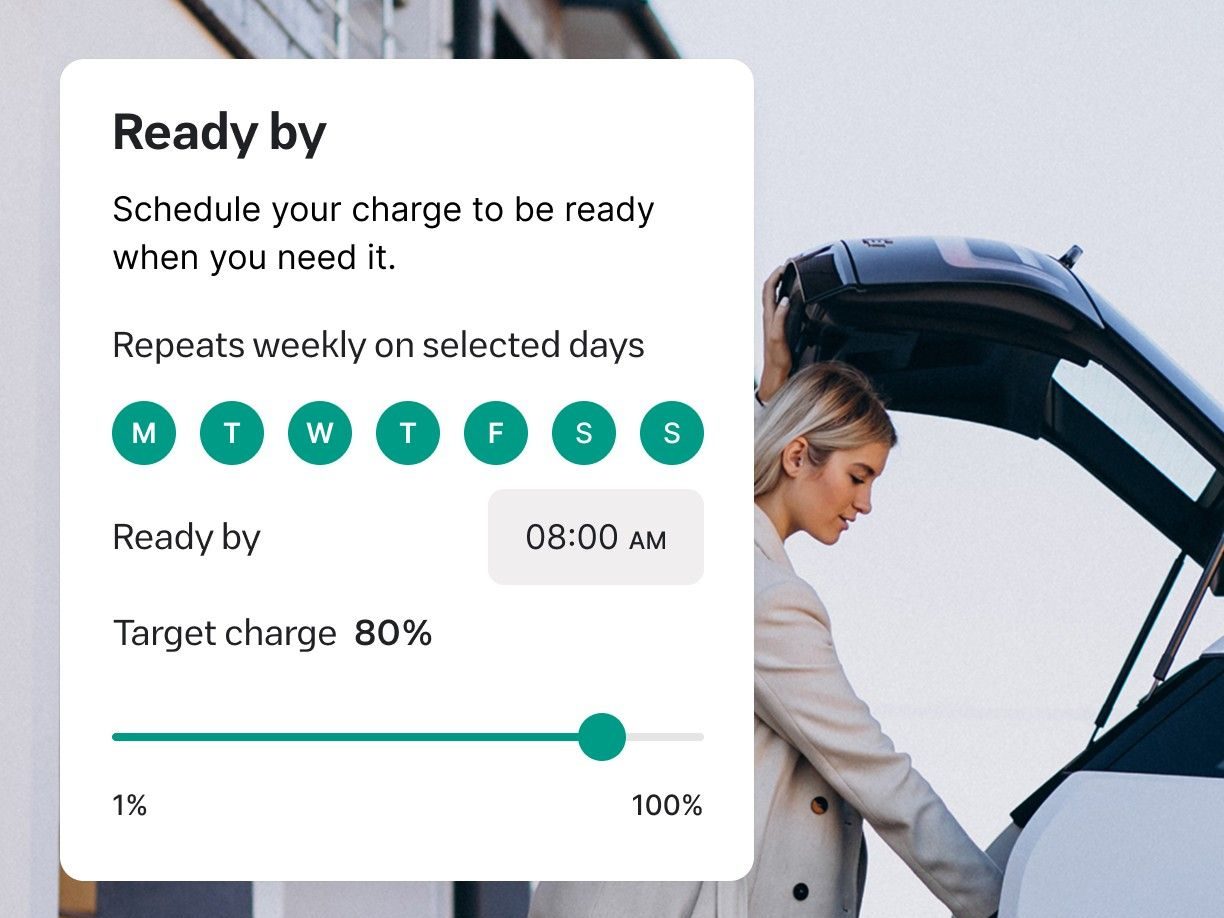
Once these are set in the Wallbox App, the charger automatically plans when to charge, prioritising lower-cost energy periods while ensuring your vehicle is ready when you need it. So instead of adjusting charging schedules every day, drivers can set their preferences once and let the charger take care of the rest.
Note: Ready-by is currently available as a Beta feature for Pulsar Max, Pulsar Pro and Pulsar Plus (North America). To use the feature, ensure your charger is updated to the latest software version.
Putting Battery Insights at Your Fingertips
Managing energy effectively starts with understanding how much charge your vehicle already has.
The latest Smart Charging update introduces new battery management features directly within the Wallbox App, giving drivers a clearer view of their vehicle’s status while making it easier to tailor charging around their needs.
→ State of Charge (SoC) Visibility
View your EV’s current battery level in real-time without leaving the Wallbox App.

→ Safety Charge
Unexpected journeys happen. Safety Charge lets you set a minimum battery level, ensuring your EV always maintains enough charge for those unplanned trips.

→ Charge Limit
Daily driving rarely requires a full battery. Charge Limit allows you to set a maximum charging threshold, helping avoid charging beyond what’s needed for everyday use. Plus, capping your charge helps extend the lifespan of your EV’s battery.
Smart Charging features are available on Pulsar Max, Pulsar Pro, and Pulsar Plus (NA).
How to Enroll and Get Started
To take advantage of these new features, you need to link your EV to the Wallbox App.
- Open the Wallbox App and navigate to your charger.
- Tap “Join the Smart Charging Beta”
- Follow the on-screen instructions to securely connect your vehicle using your OEM credentials.
Once connected, you’ll be ready to start using the latest Smart Charging features.
ℹ️ Important Reminders for Installers
Software has become an increasingly important part of the home charging experience. Alongside reliable hardware, customers are looking for features that simplify charging, reduce energy costs and provide greater control over their EV.
Making sure these features are available starts with a successful installation.
To ensure customers can access Smart Charging, installers should confirm that:
✔️ The charger is connected via Wi-Fi or 4G.
✔️ The charger is not connected to an OCPP network.
✔️ Commissioning and ownership transfer have been completed correctly during setup.
Completing these steps enables customers to start using Smart Charging as soon as their installation is finished.
EV Charging Built for Everyday Life
As EV adoption grows, expectations of home charging are evolving alongside it. Drivers increasingly want charging to fit around their schedules, respond to changing energy prices and provide better visibility into their vehicle’s battery, without adding complexity.
Powered by the Wallbox App, the latest Smart Charging features for the Pulsar family reflect this shift; bringing together greater automation, battery insights and charging control in a single experience – reducing costs and manual effort. They’re designed to make every charging session work a little harder behind the scenes, so drivers don’t have to.
AFIR 2027 and ISO 15118: What Businesses and Installers Need to Know About EV Charging
Charge Smarter, Spend Less: How Advanced Dynamic Load Management Can Cut Your Energy Costs